APSX user guides
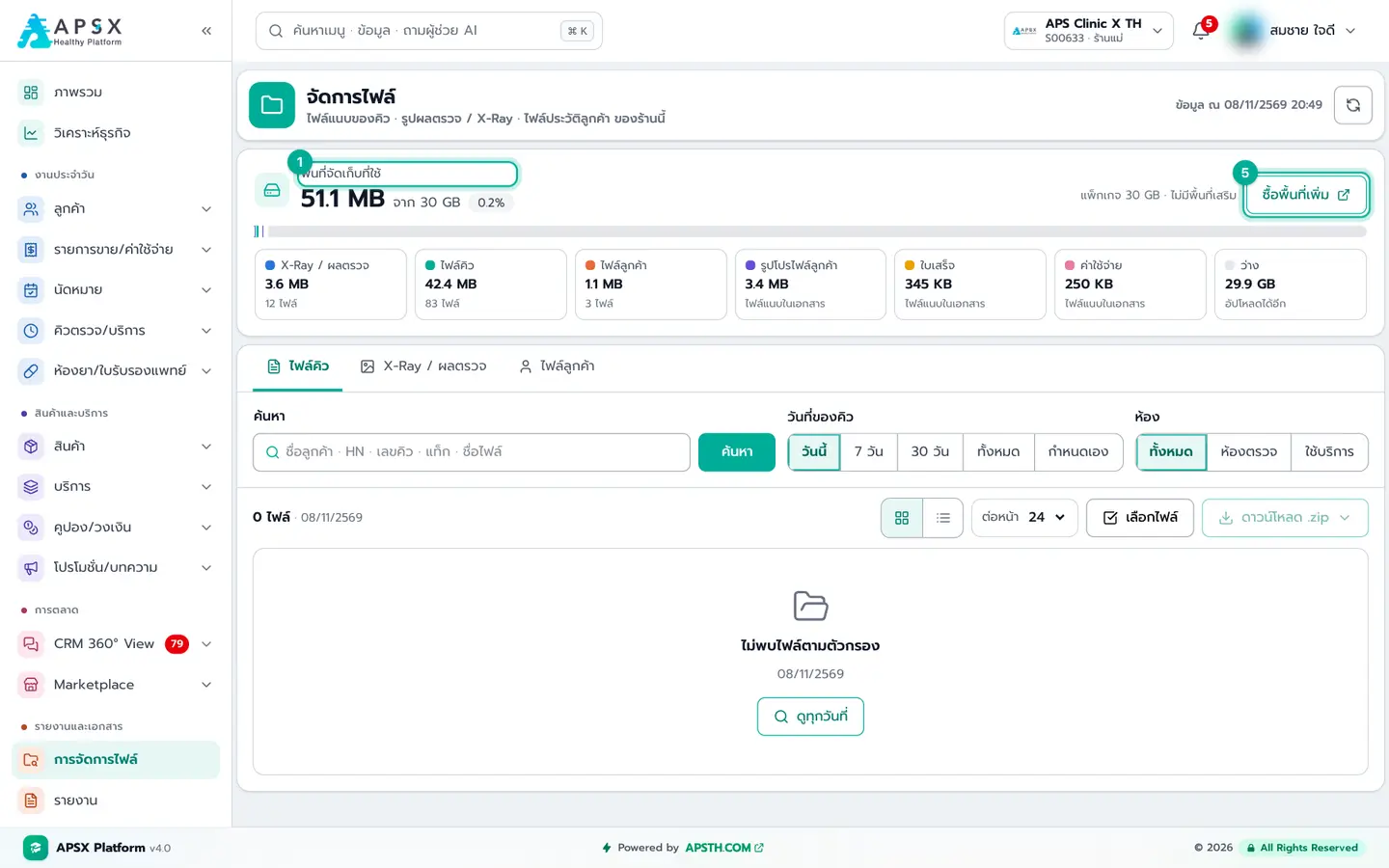
Step-by-step guides from first-time shop setup to reports and marketing. Every step has a real screenshot with numbers showing exactly where to click — the same content as the "Get started" menu inside the app.
Get started
First-time shop setup, your account and the business overview
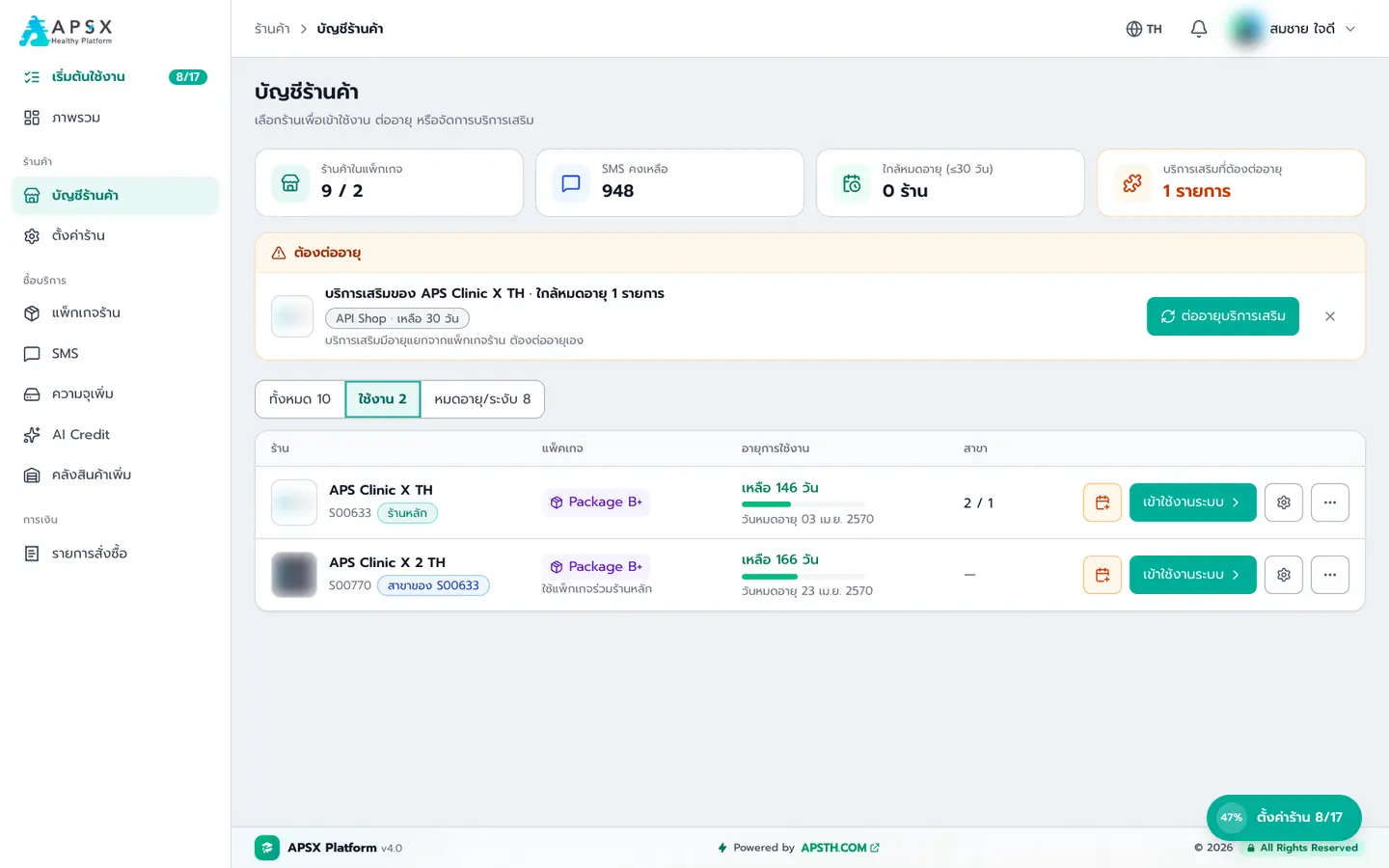
Shop setup (APSX)
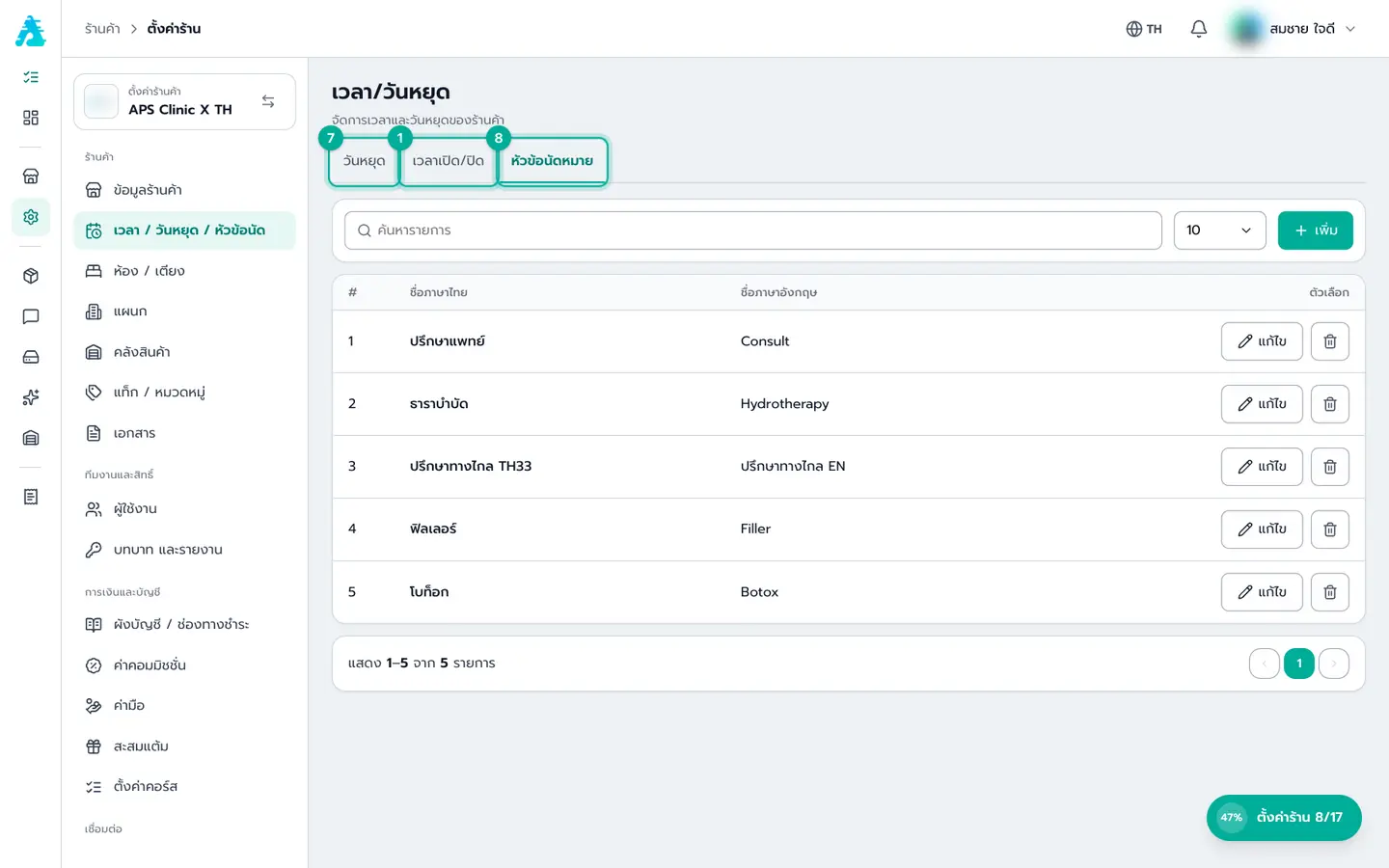
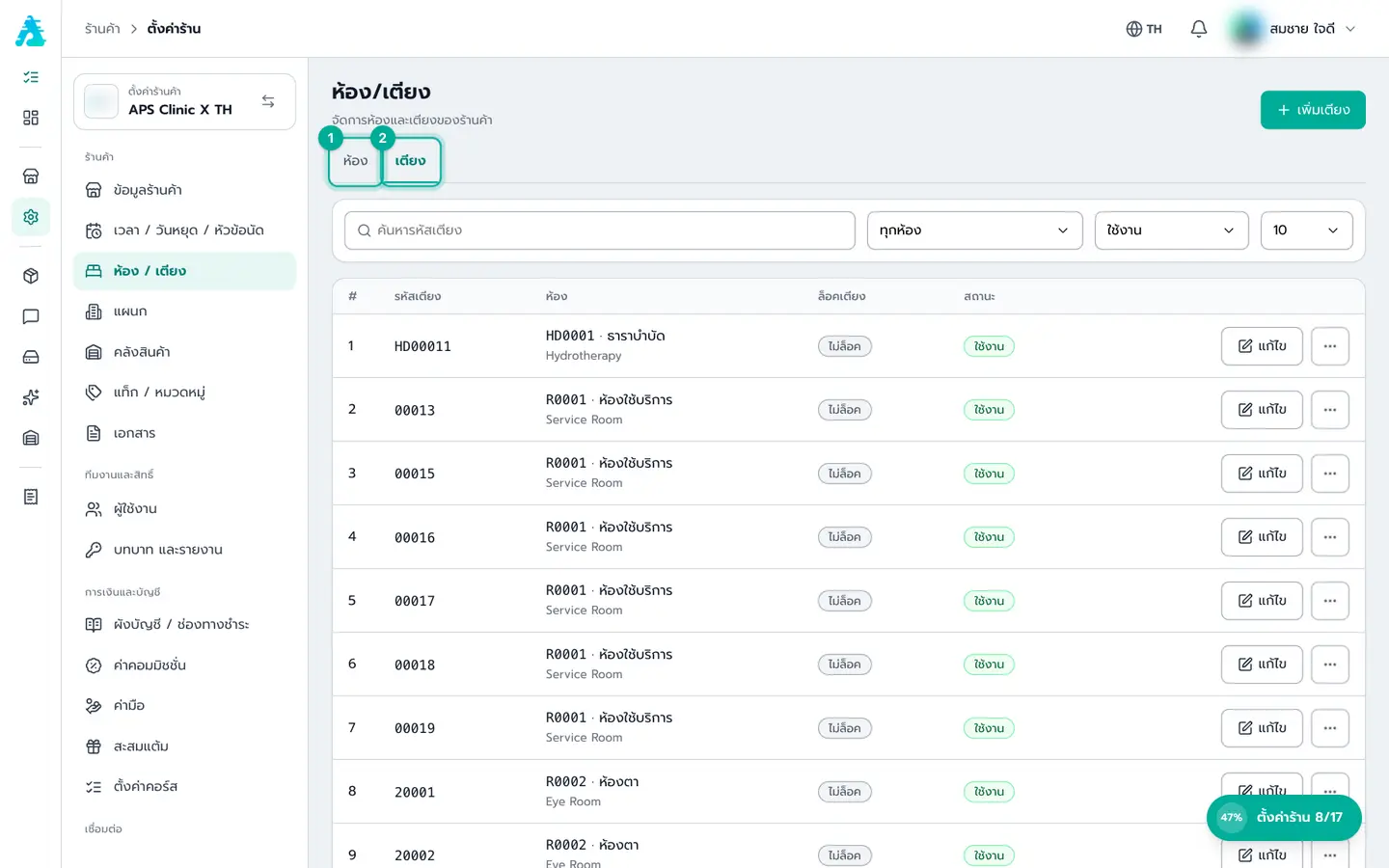
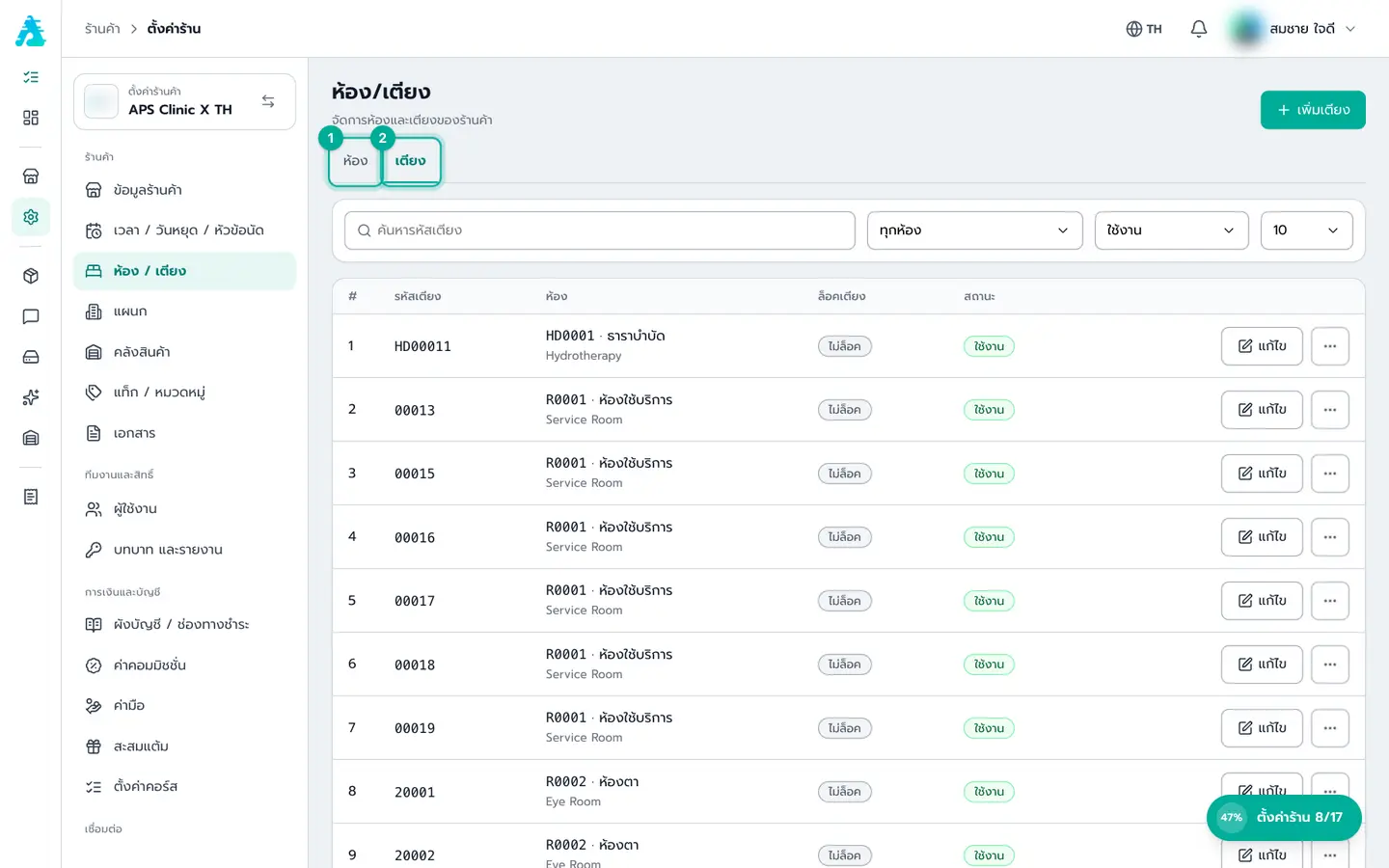
First-time setup after your package is approved — shop details, hours, rooms, stock, team, roles and finance
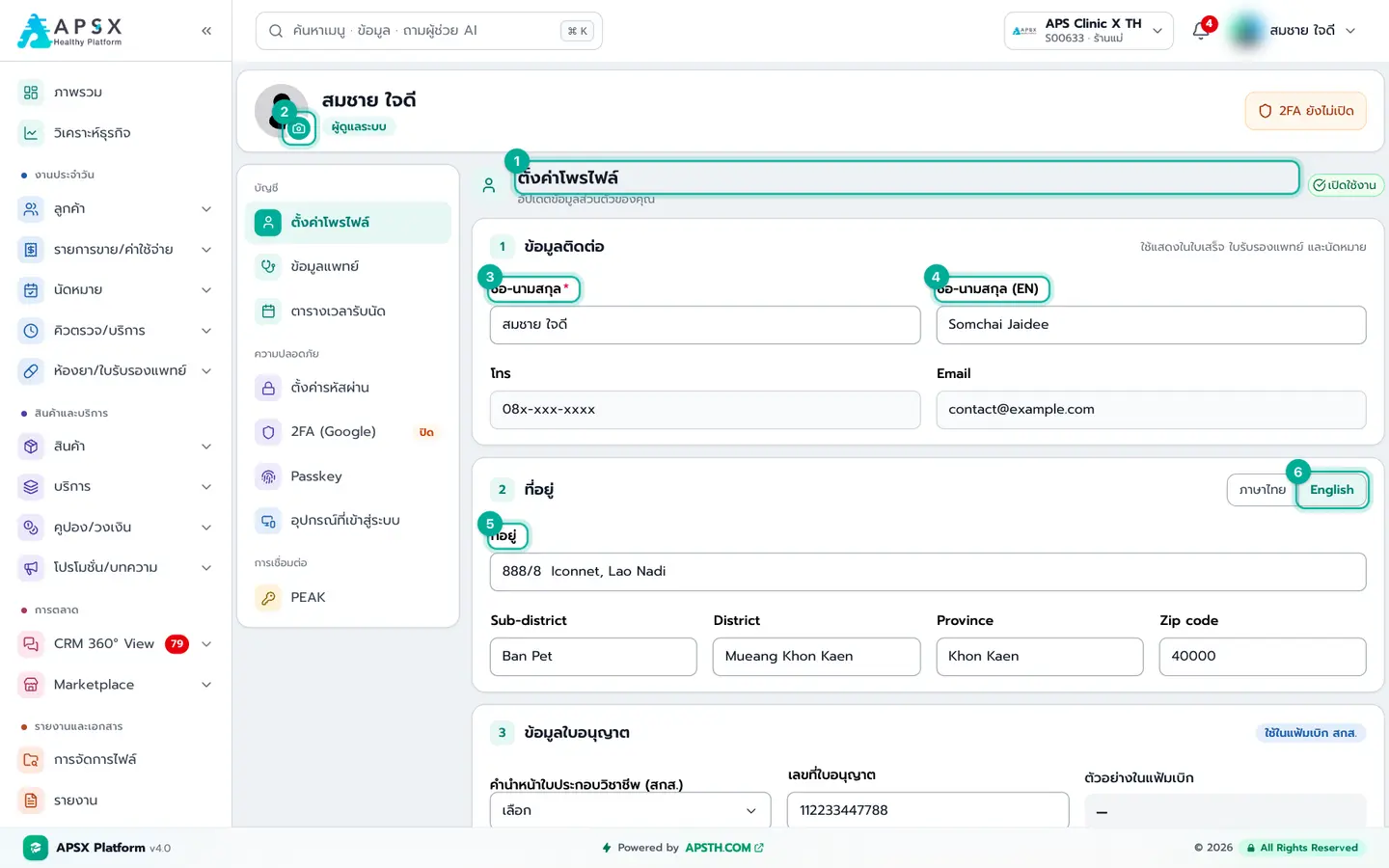
My account
Details printed on documents, doctor info, appointment hours and account security — everyone should do this first
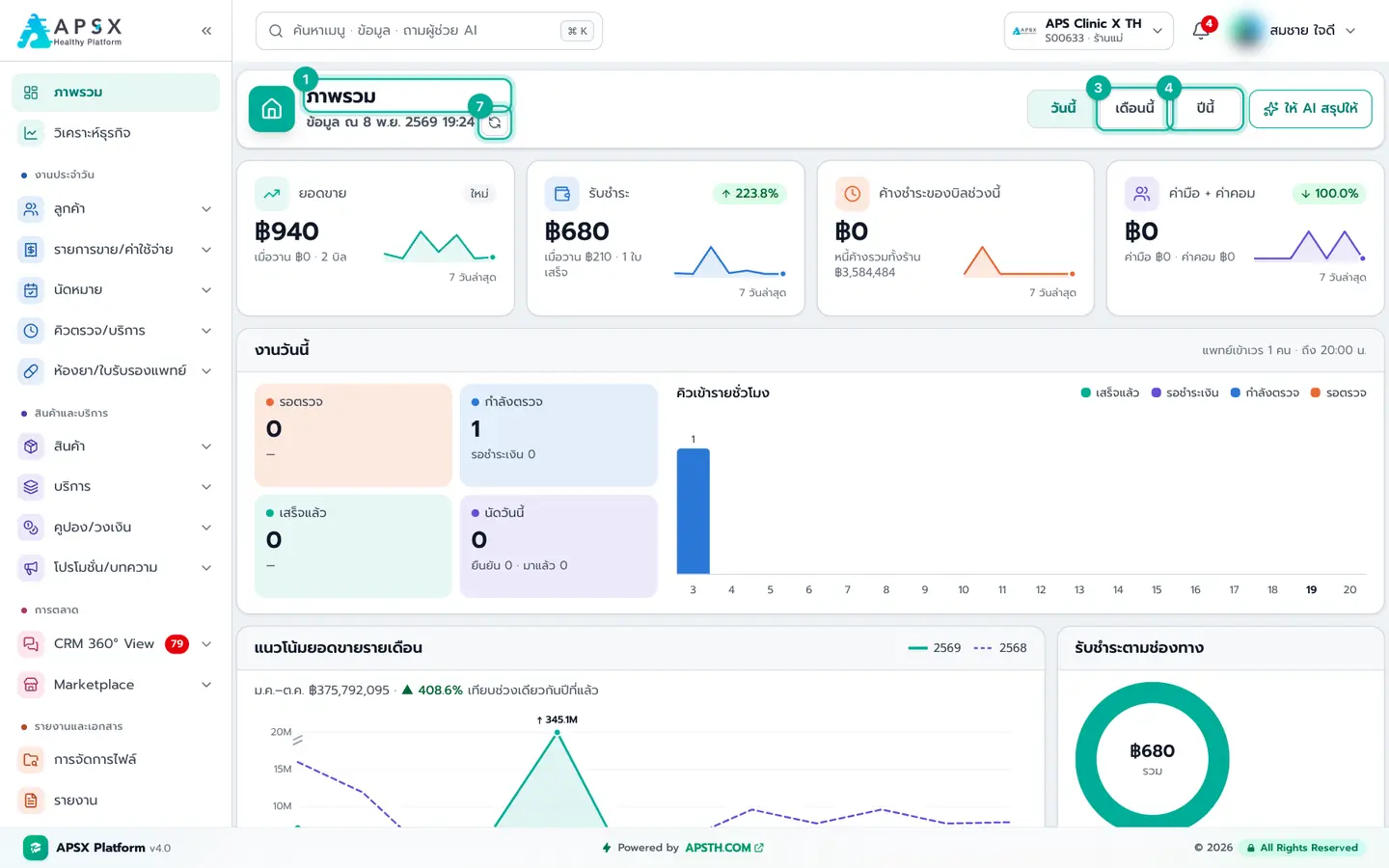
Overview and business analytics
Read the home page numbers correctly — sales, payments, outstanding, today’s work, follow-ups — and review profit, cost and staff monthly
Daily front desk
Customers, appointments, queues, sales and the pharmacy
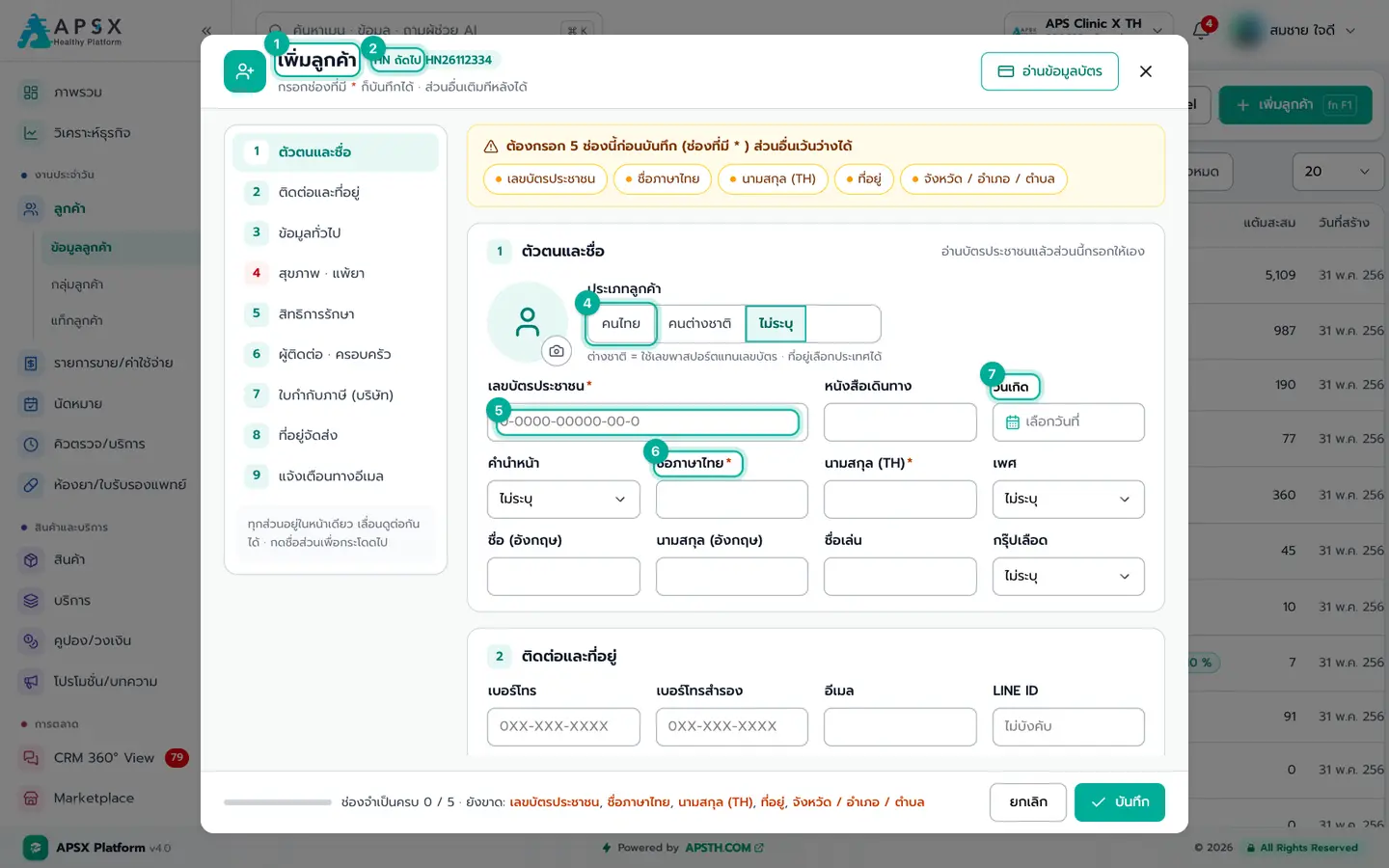
Customers
Register patients correctly, find customers, see their full history, and organise them with groups and tags
Appointments
Book customers with doctors, confirm, send to the queue on arrival, reschedule, and track follow-ups in the Sales Pipeline
OPD queue
Receive outpatients, take history, diagnose, order tests and drugs, create the sale, send to payment and record hand fees
Service queue
Serve customers using courses they already bought: deduct courses and drugs, finish the service, record hand fees, and cancel mistakes
IPD queue and inpatients
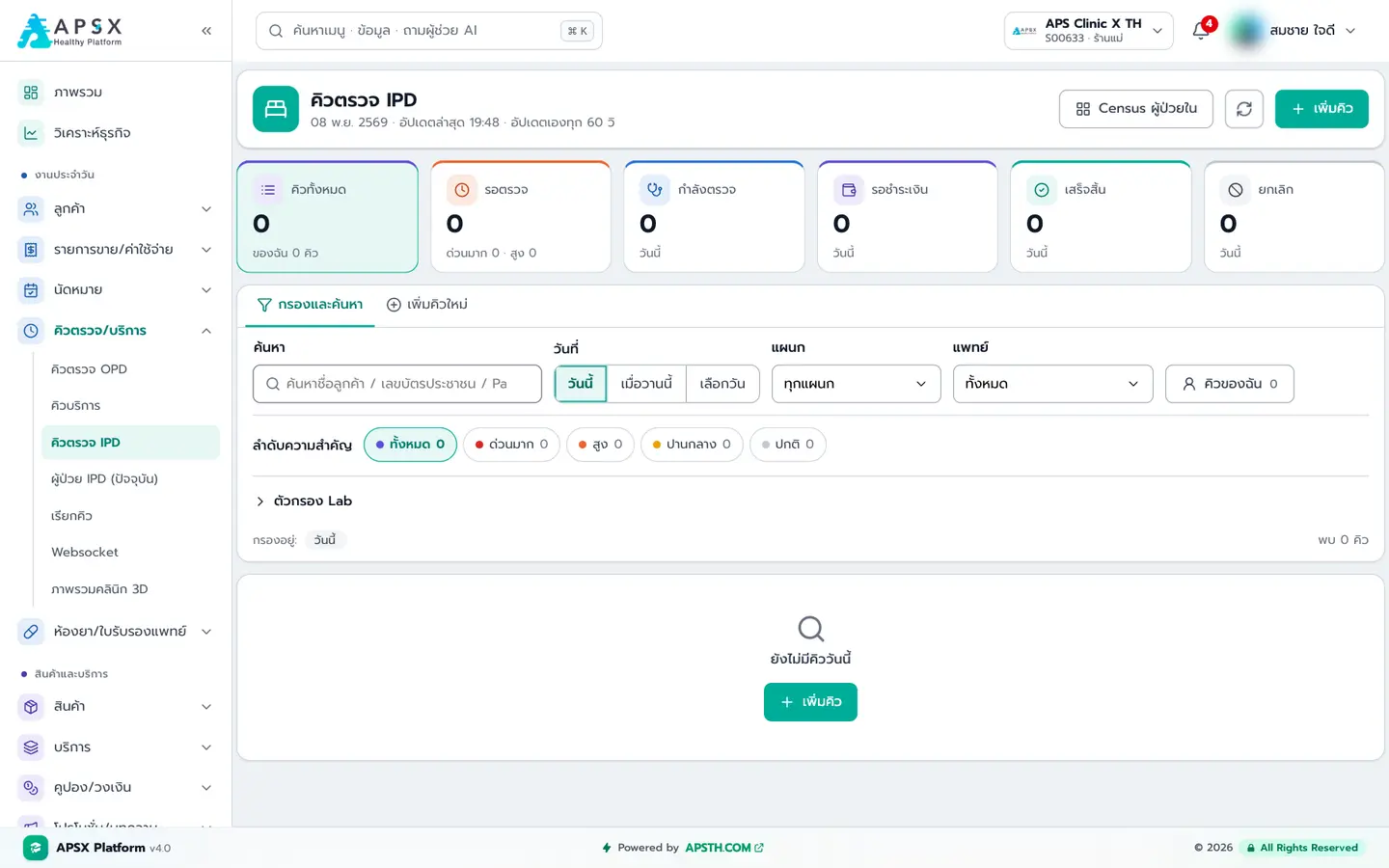
Admit inpatients, manage beds, write orders, record medication and nursing care, create sales, transfer beds and discharge
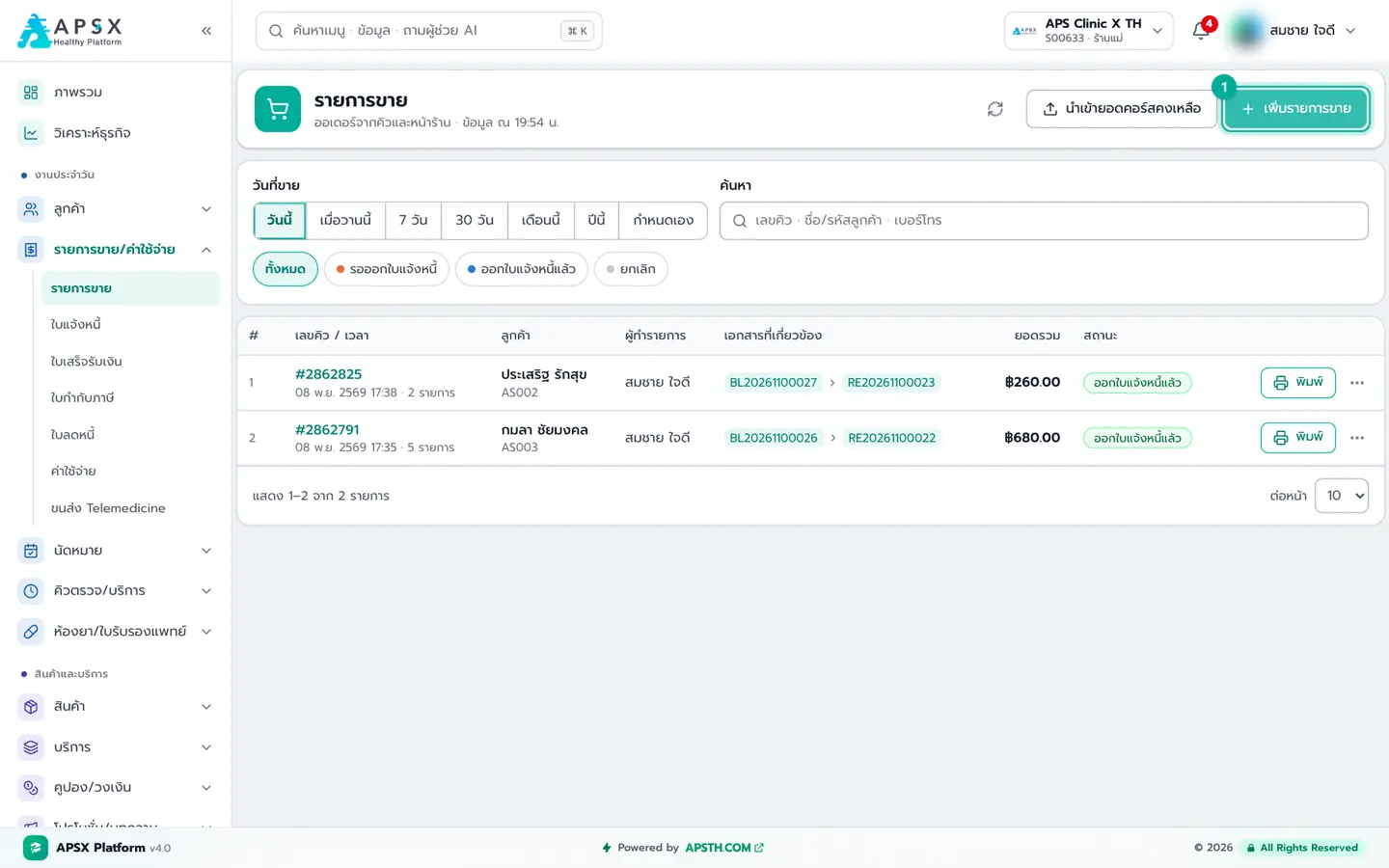
Sales and expenses
Open a bill, add discounts, issue the invoice, take payment by any channel, issue receipts and tax invoices, cancel in the right order, and record shop expenses
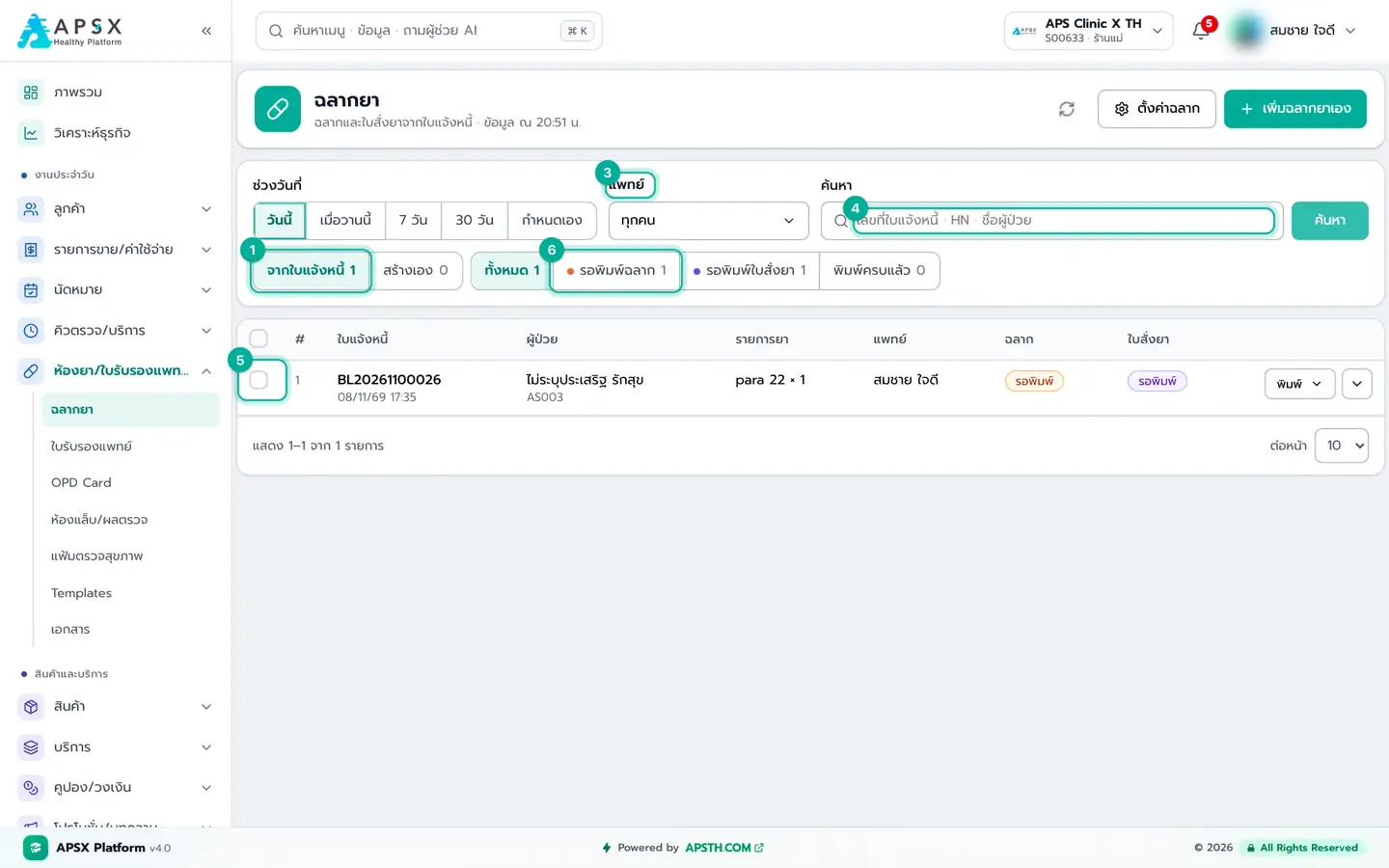
Pharmacy, certificates & documents
Print drug labels, OPD cards and medical certificates, enter lab results, send out labs, issue health-check reports and manage forms/signatures
Products, services & promotions
Stock, courses and checks, coupons, credit and promotions
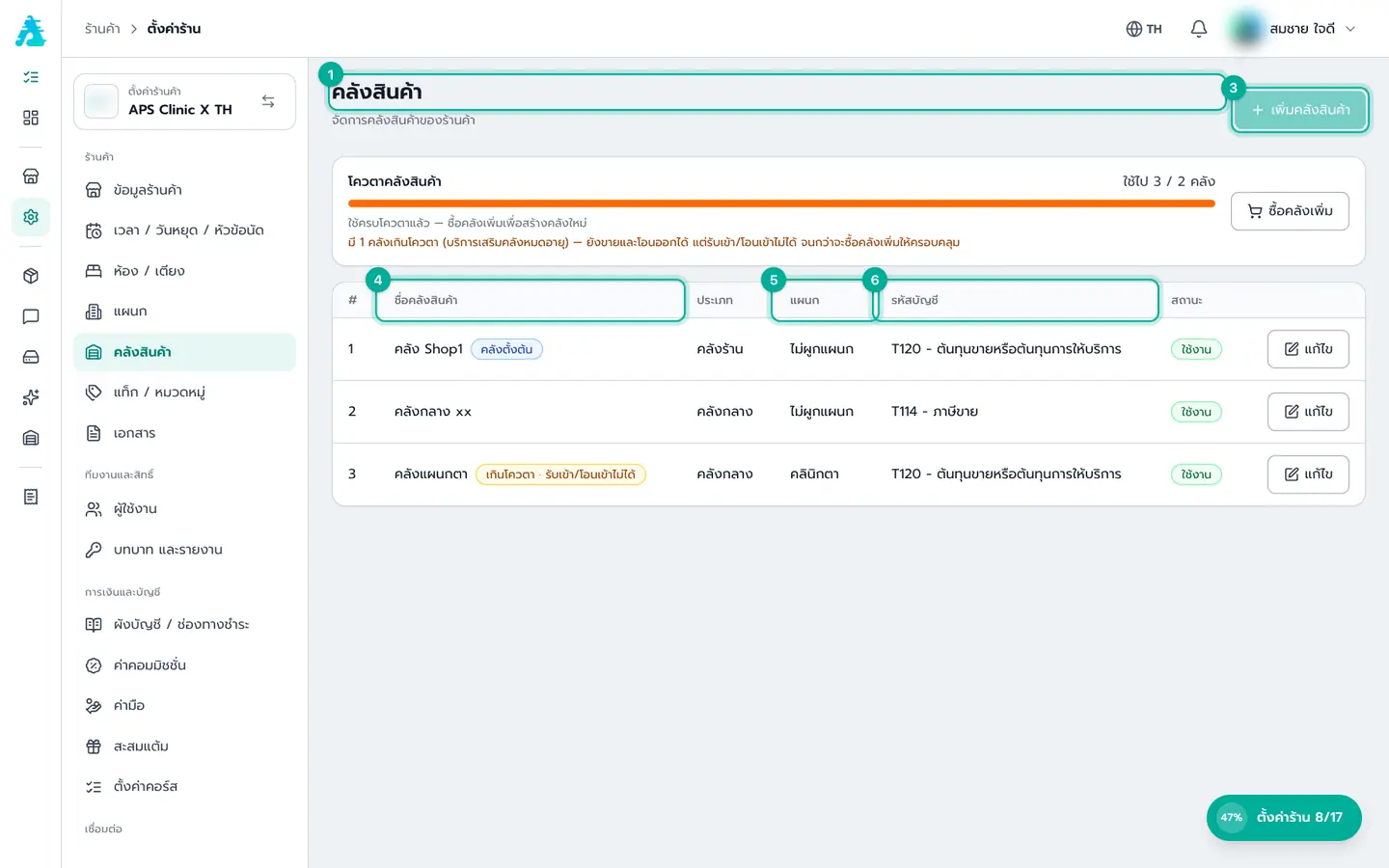
Products & stock
Set up drugs and supplies, buy from vendors, receive into stock with lot and expiry, then transfer, issue and count
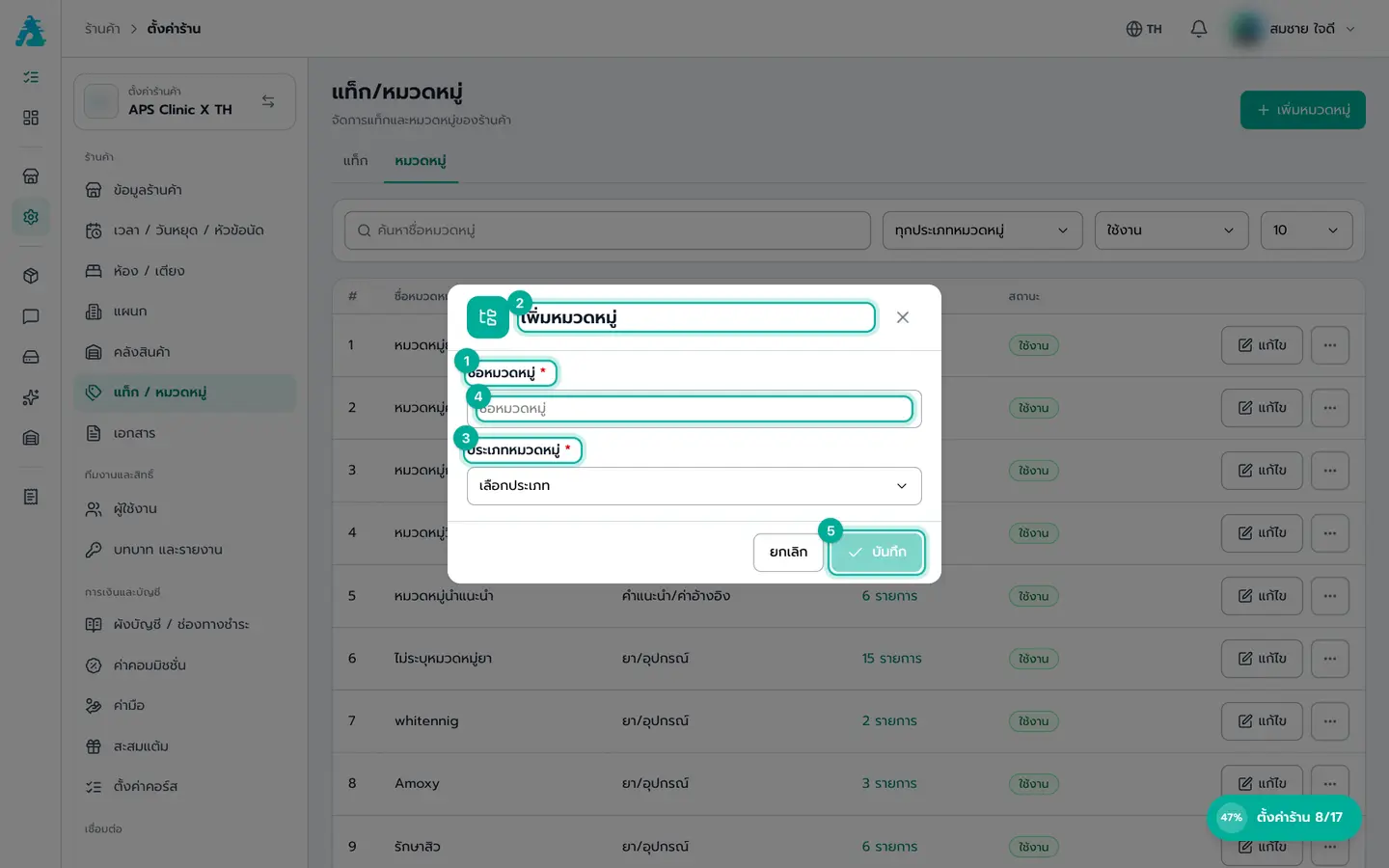
Services
Checks, lab, X-ray, packages, courses, diagnosis codes and reference values — what doctors pick and bills sell
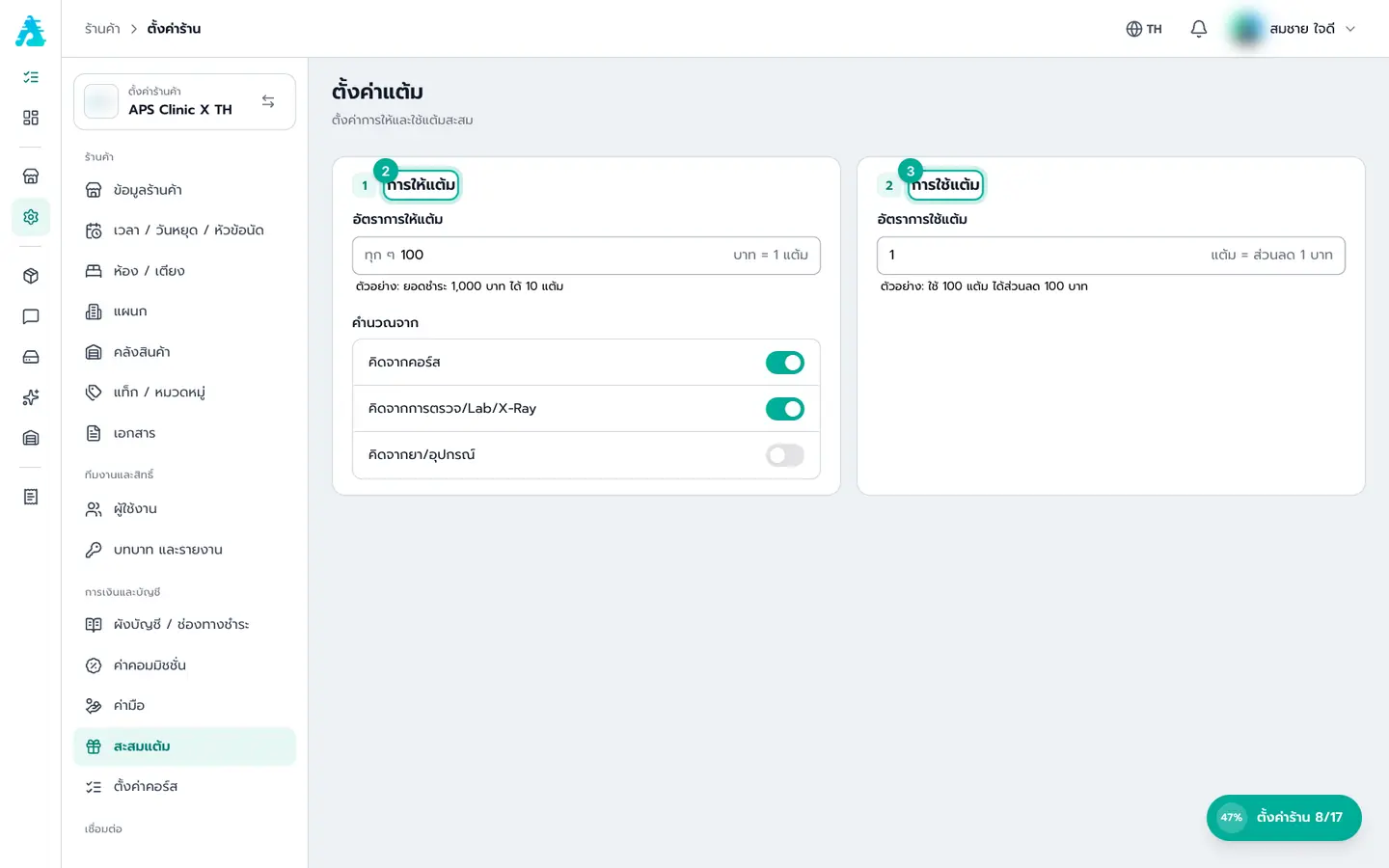
Coupons / credit
Point coupons, prepaid credit, discount gift vouchers and loyalty points — each works differently
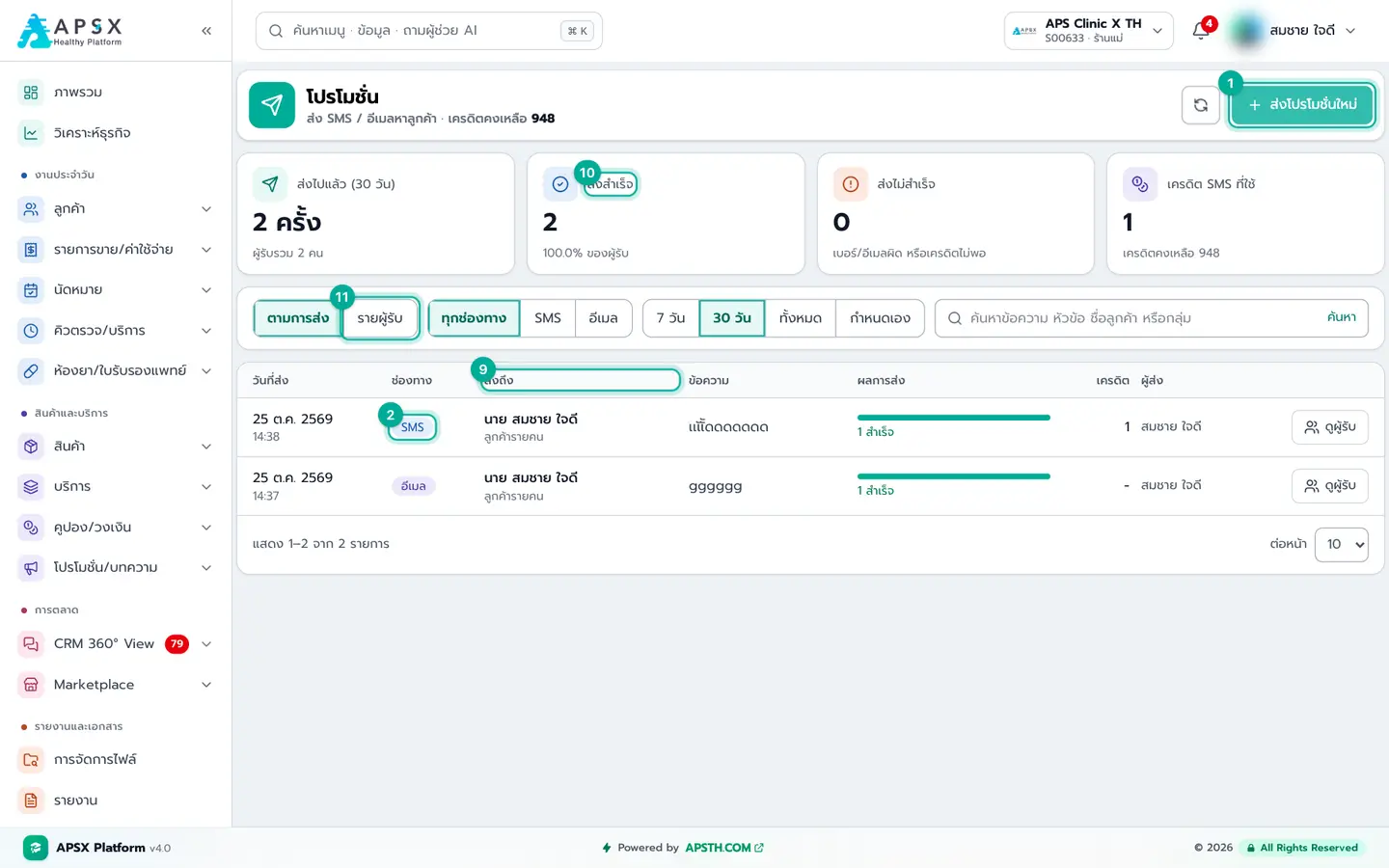
Promotions / articles
Send promotional SMS or email to customers, and write the shop’s articles/reviews
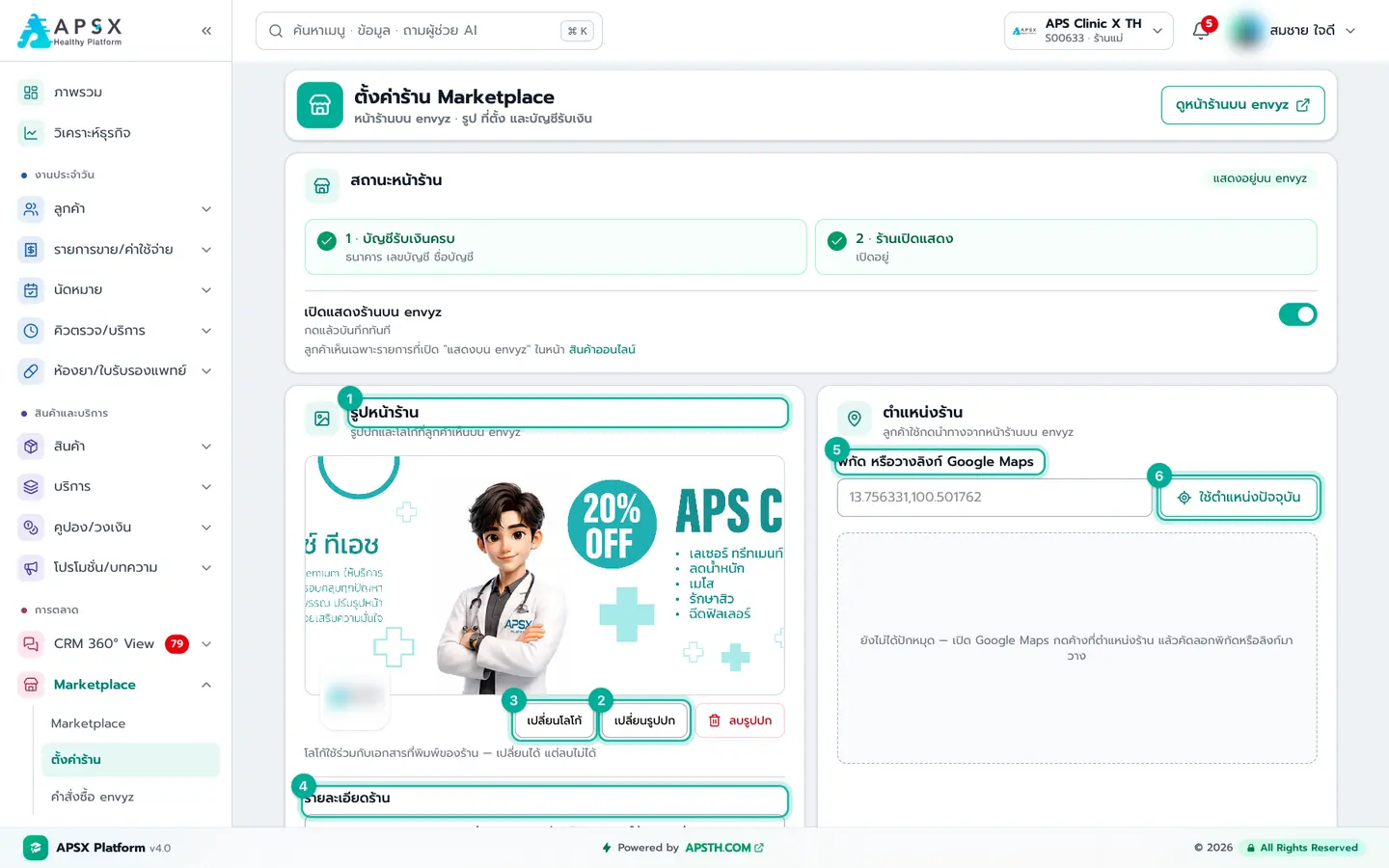
Marketing & online sales
CRM 360°, unified inbox, campaigns and your Marketplace shop
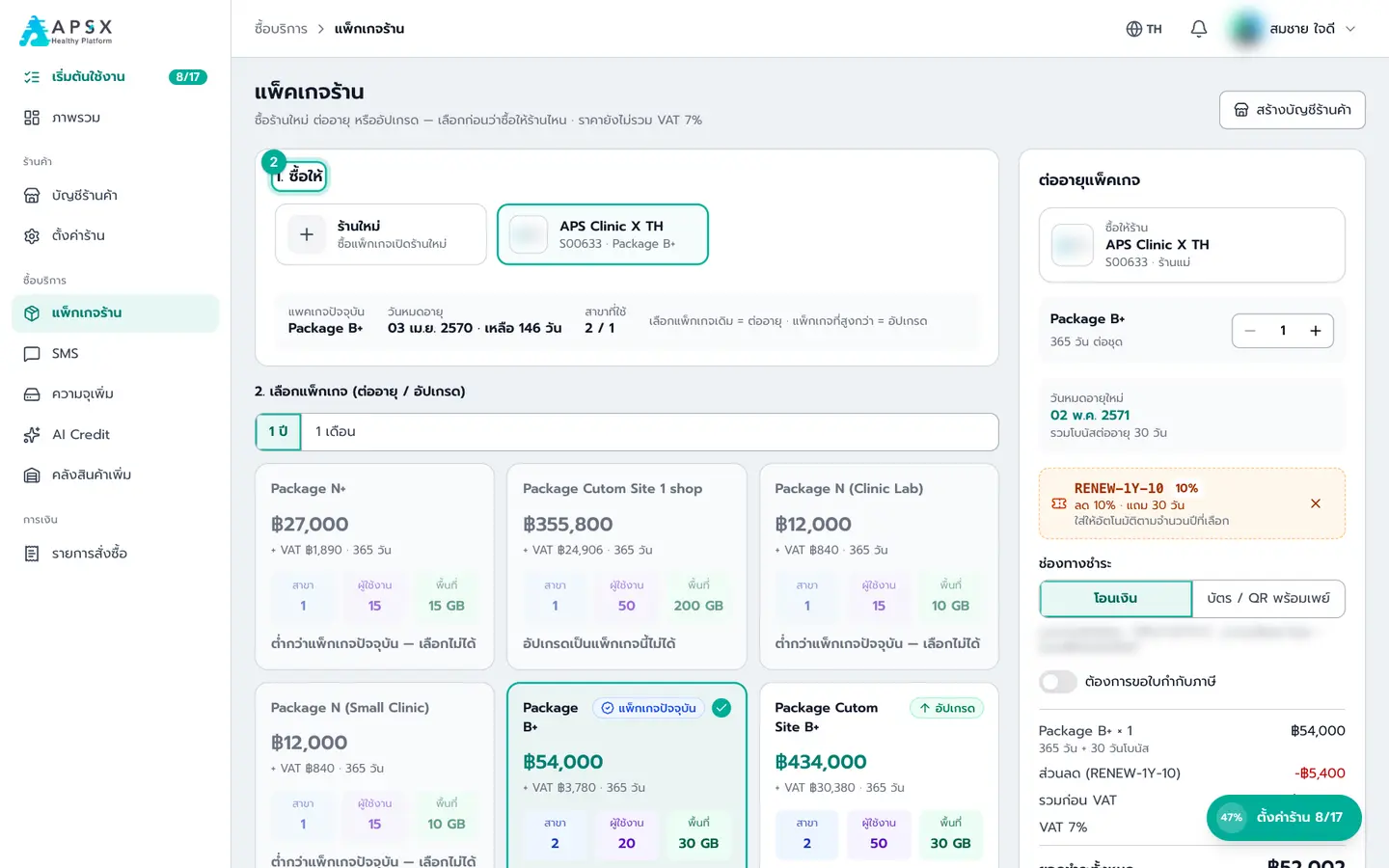
Reports & claims
55 reports, CGD claims and NHSO E-Claim
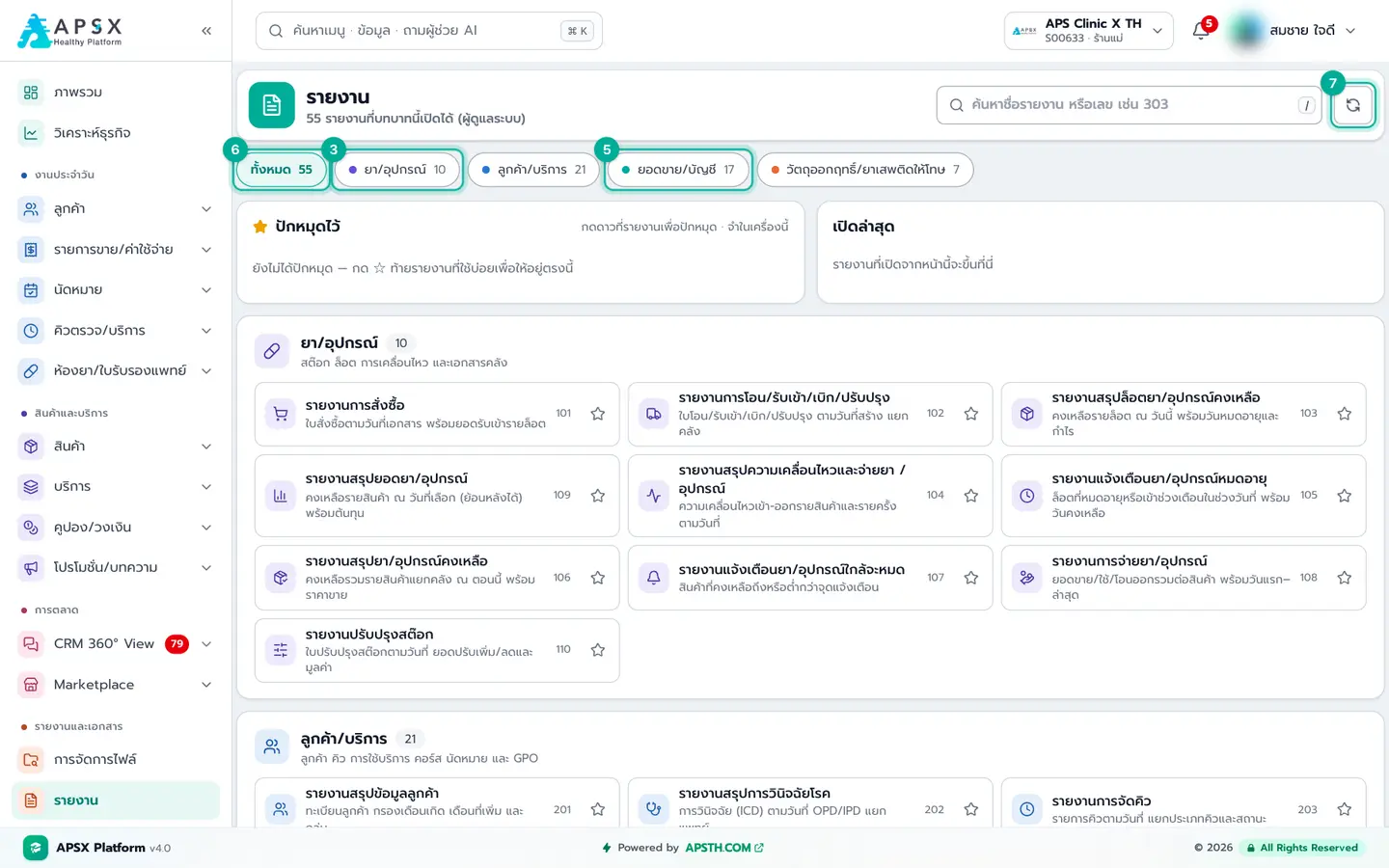
Reports
Find reports, pull the right range, export to Excel, and know which report fits each job
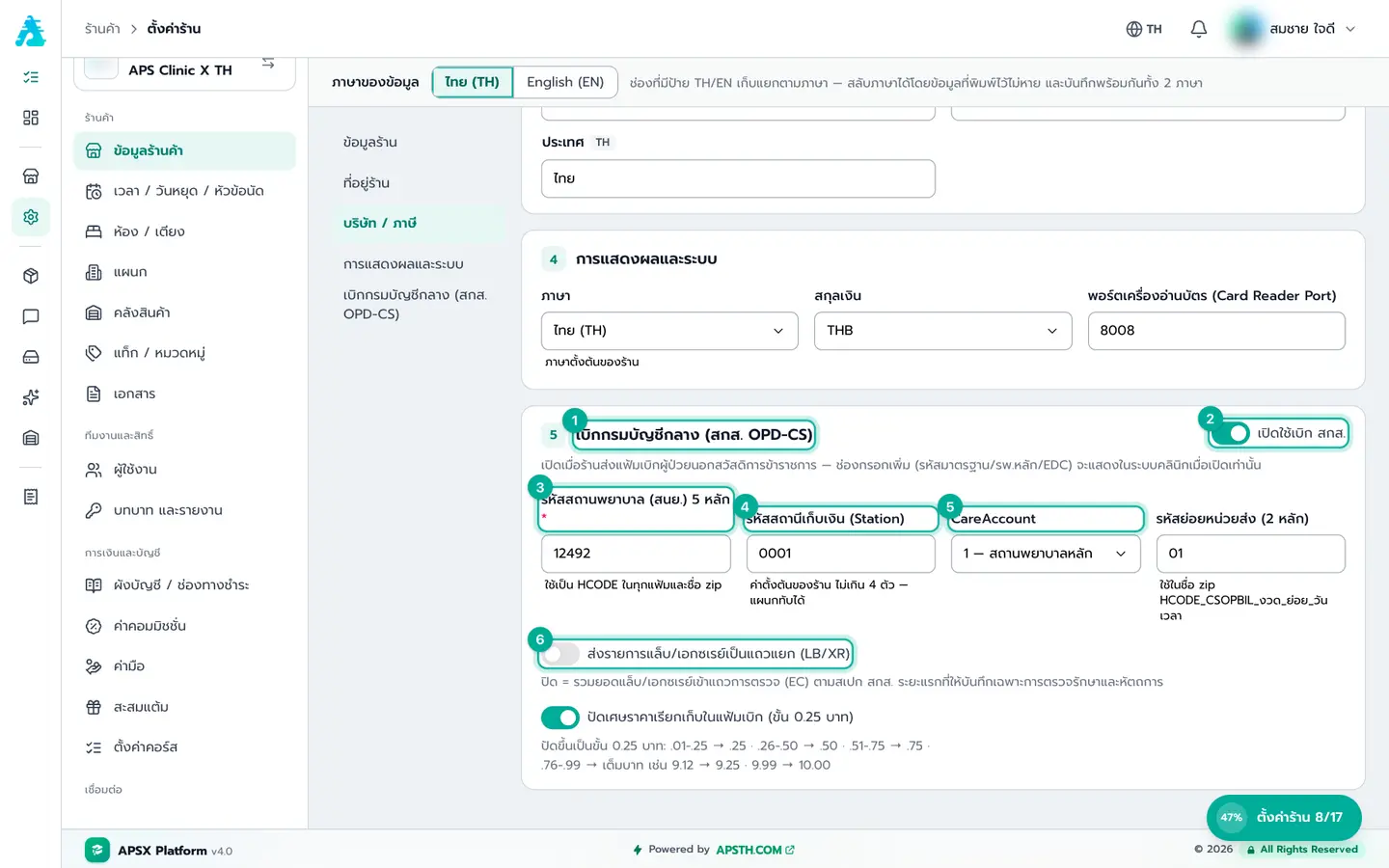
GPO e-Claim report (CGD claims)
Prepare data, check bills against CGD rules, create batches, download files, and send edits or cancellations
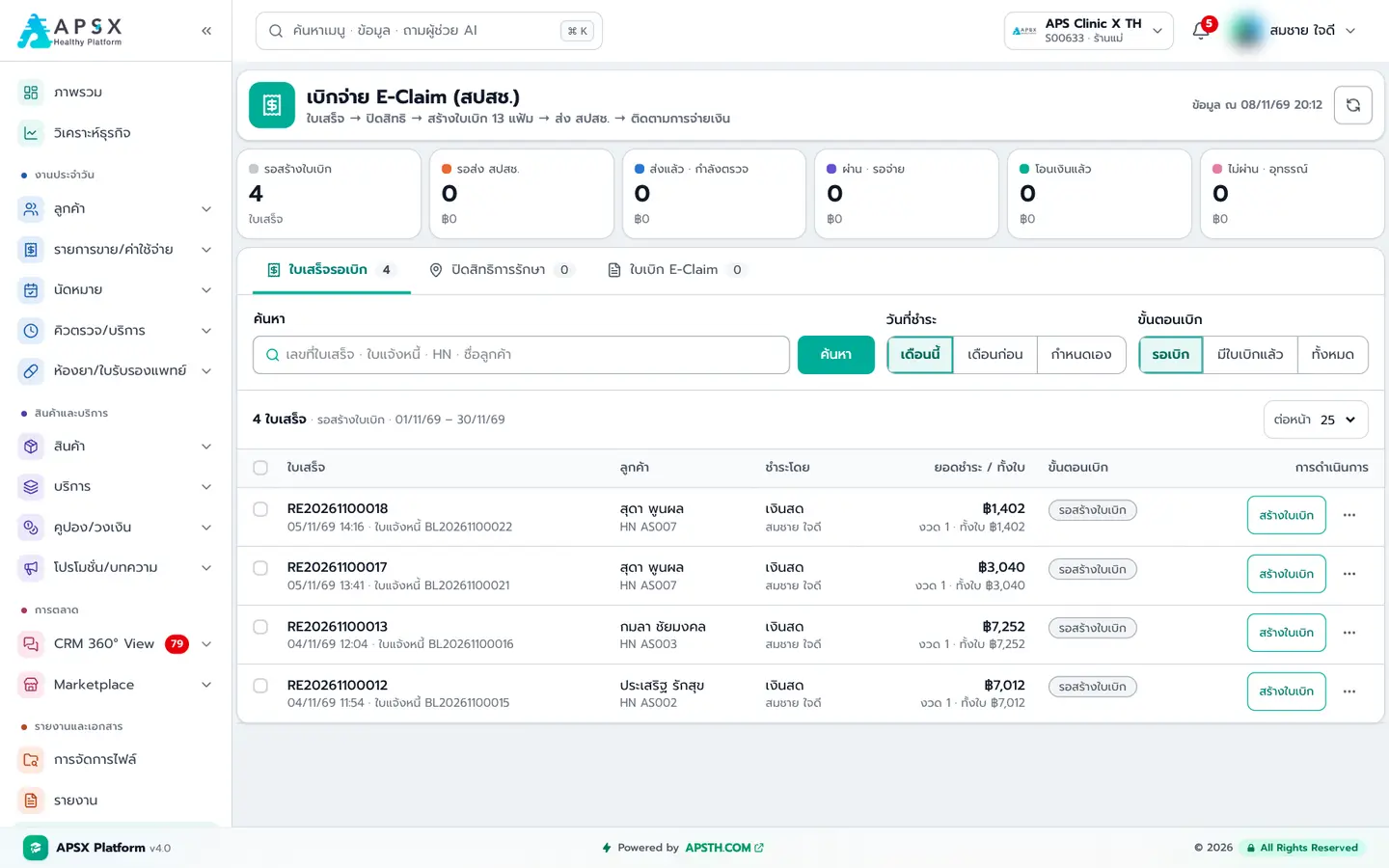
E-Claim (NHSO) claims
Claim treatment costs from NHSO using clinic receipts: close the service, build the 13-file claim, validate, send and track payment
Documents & system
PDF templates, files, activity log and the in-app manual
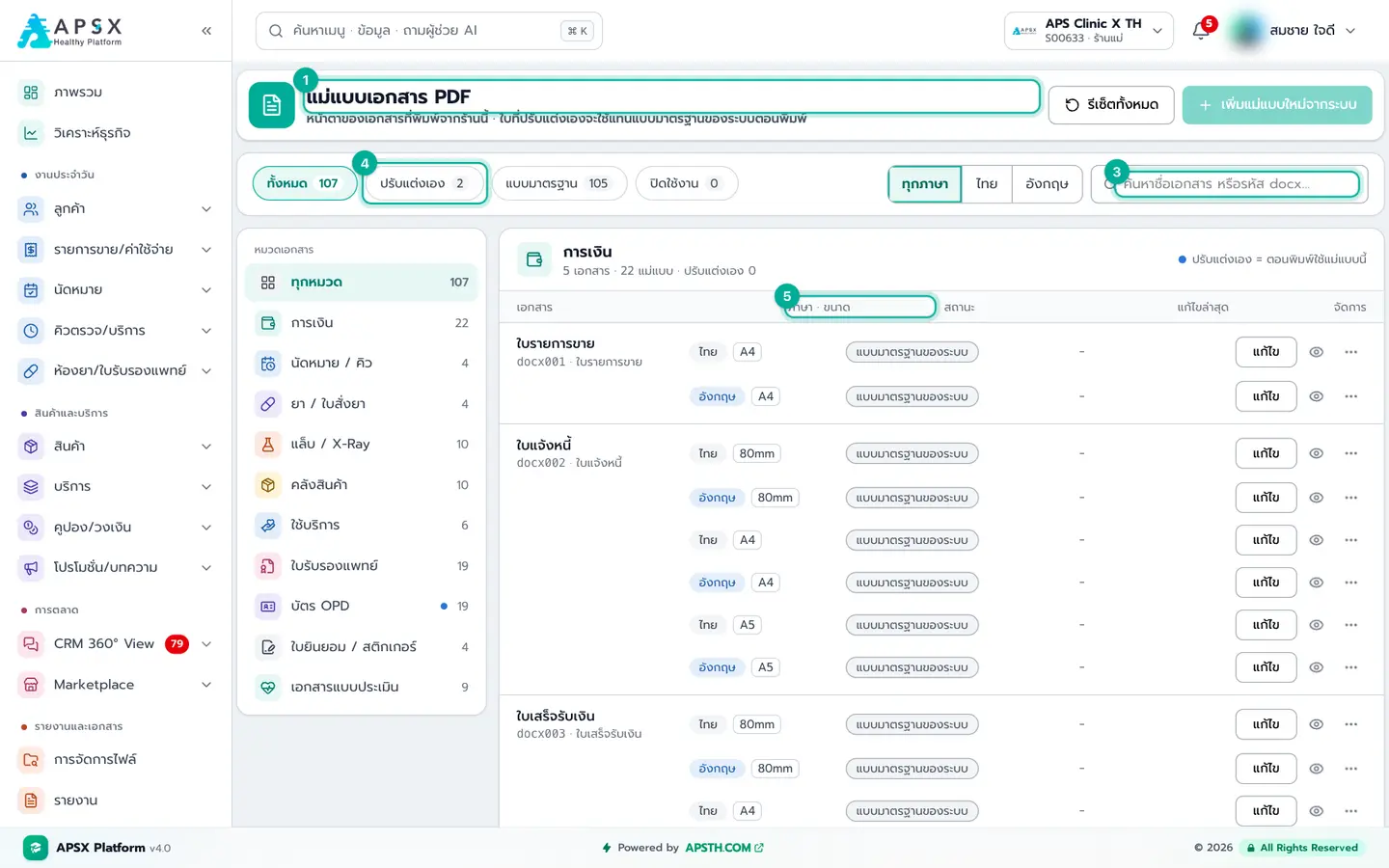
Video tutorials
Prefer watching? Two YouTube playlists cover system setup and every feature
Video manual inside the app
The system has its own manual menu: watch step-by-step videos without leaving the app, search by topic and jump straight to the related menu.